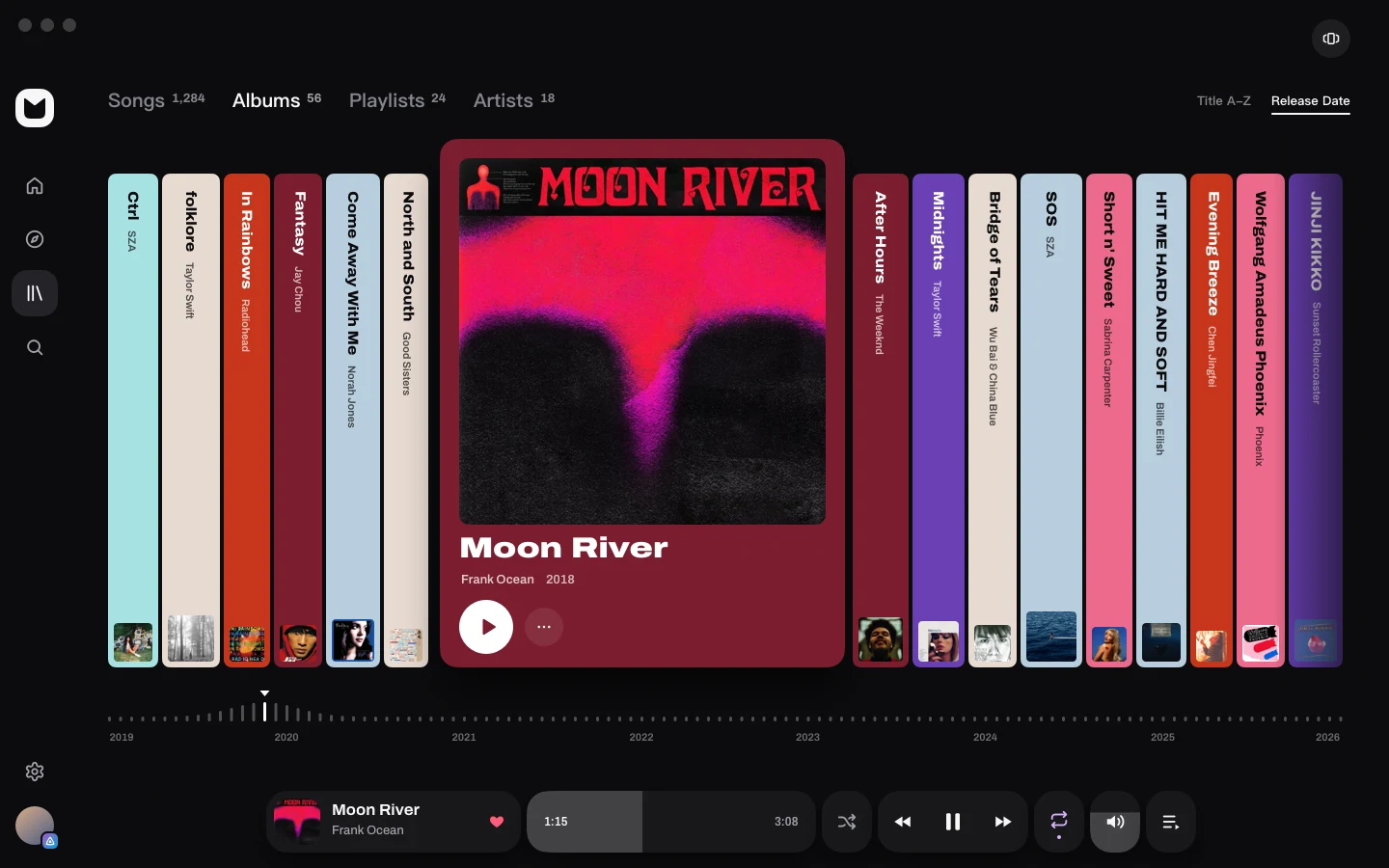
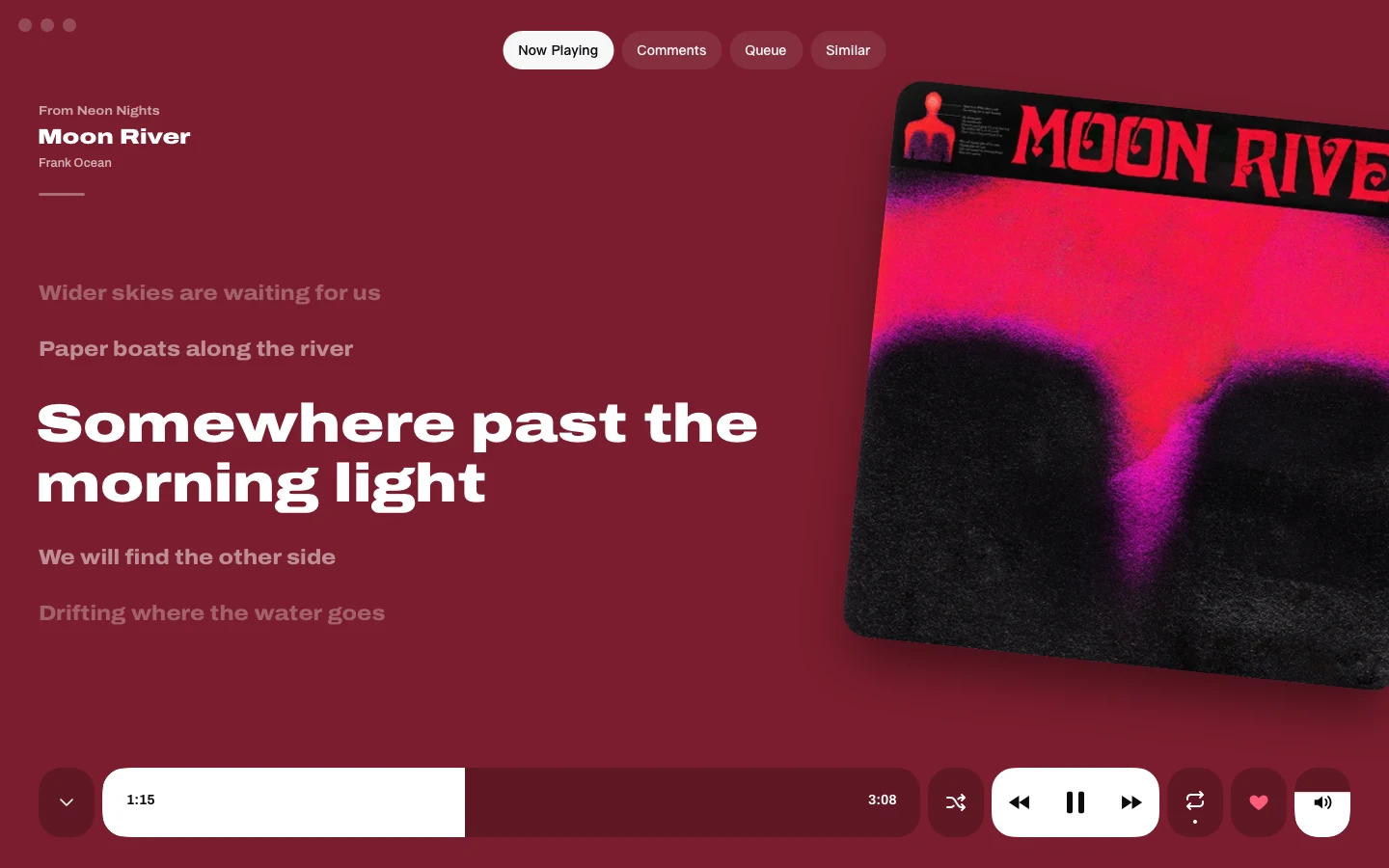
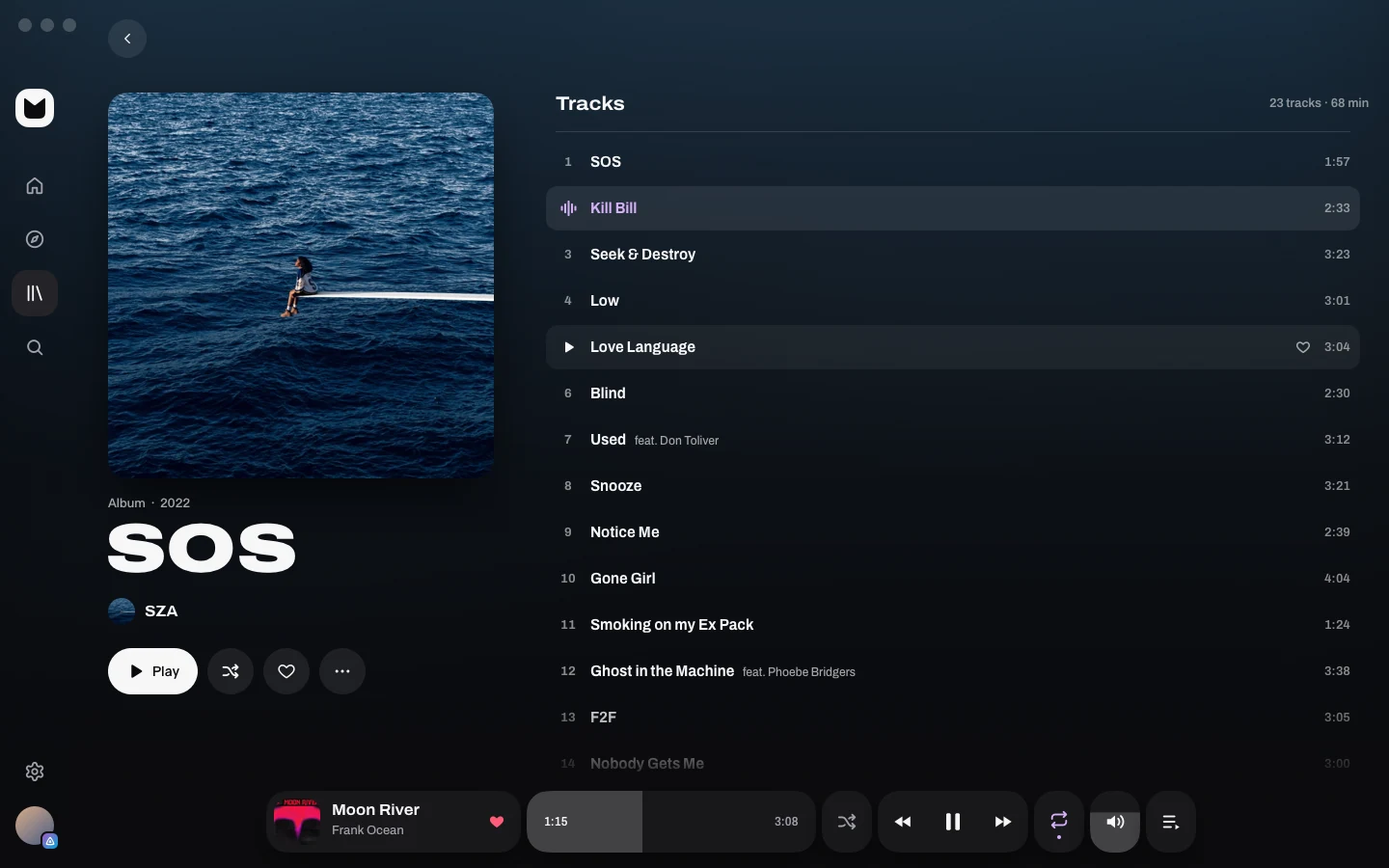
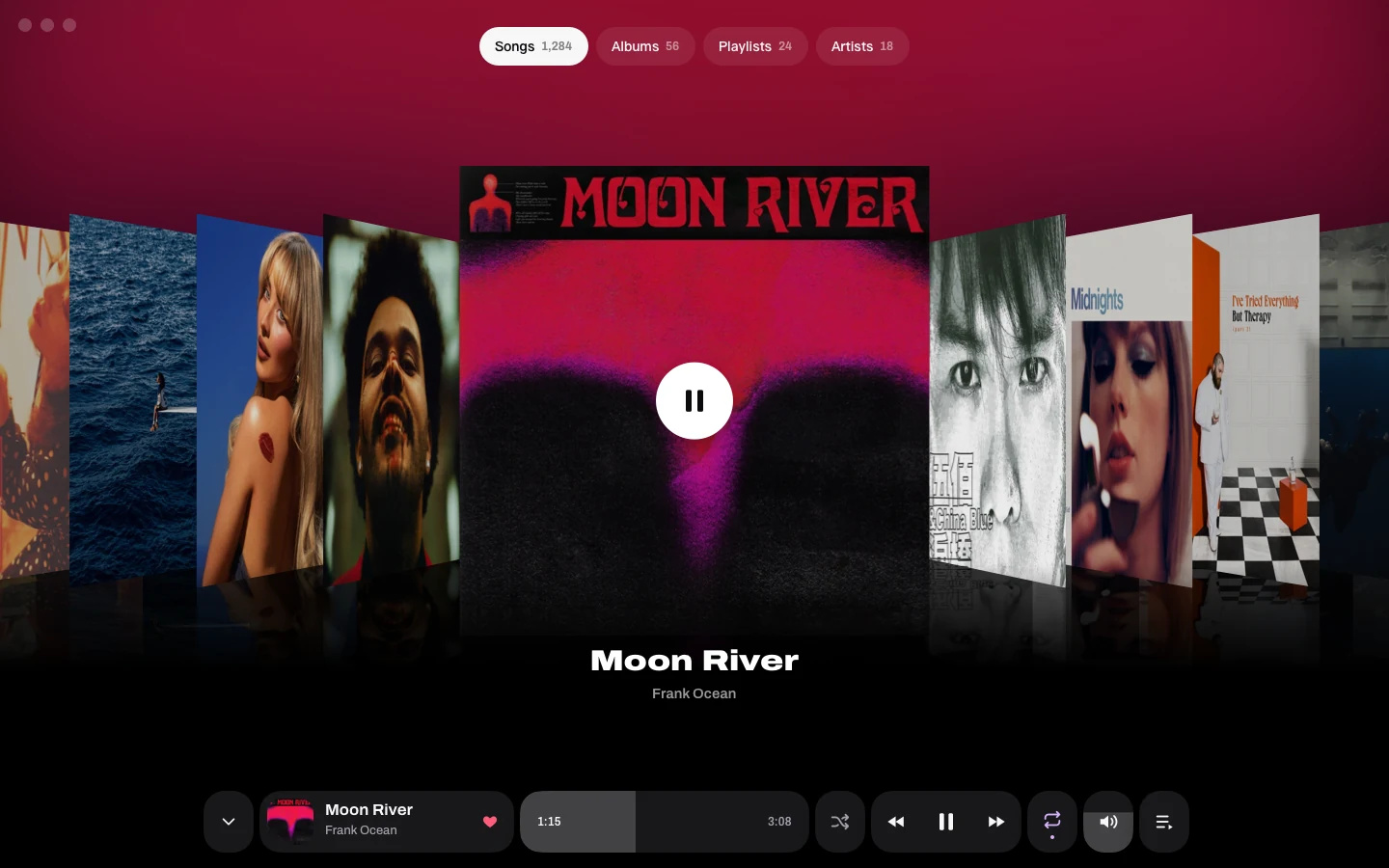
Coverflow
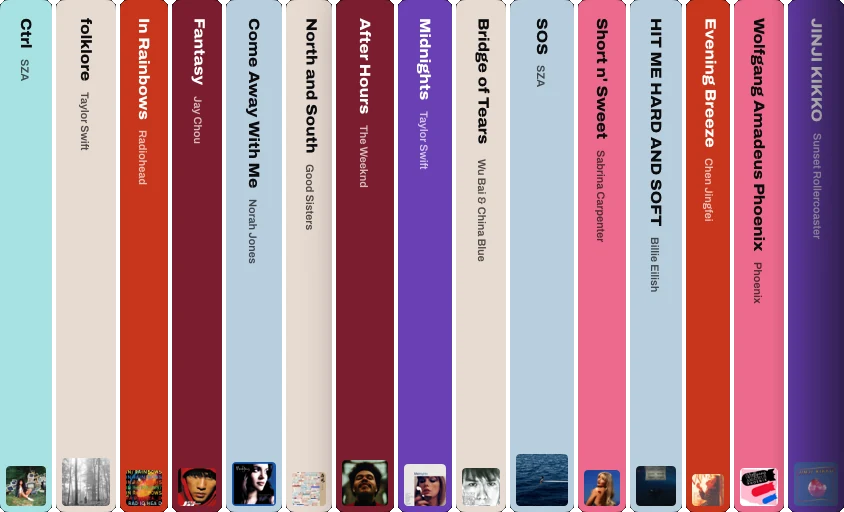
Drag, scroll or arrow-key through your albums, playlists and artists. Click one to play.
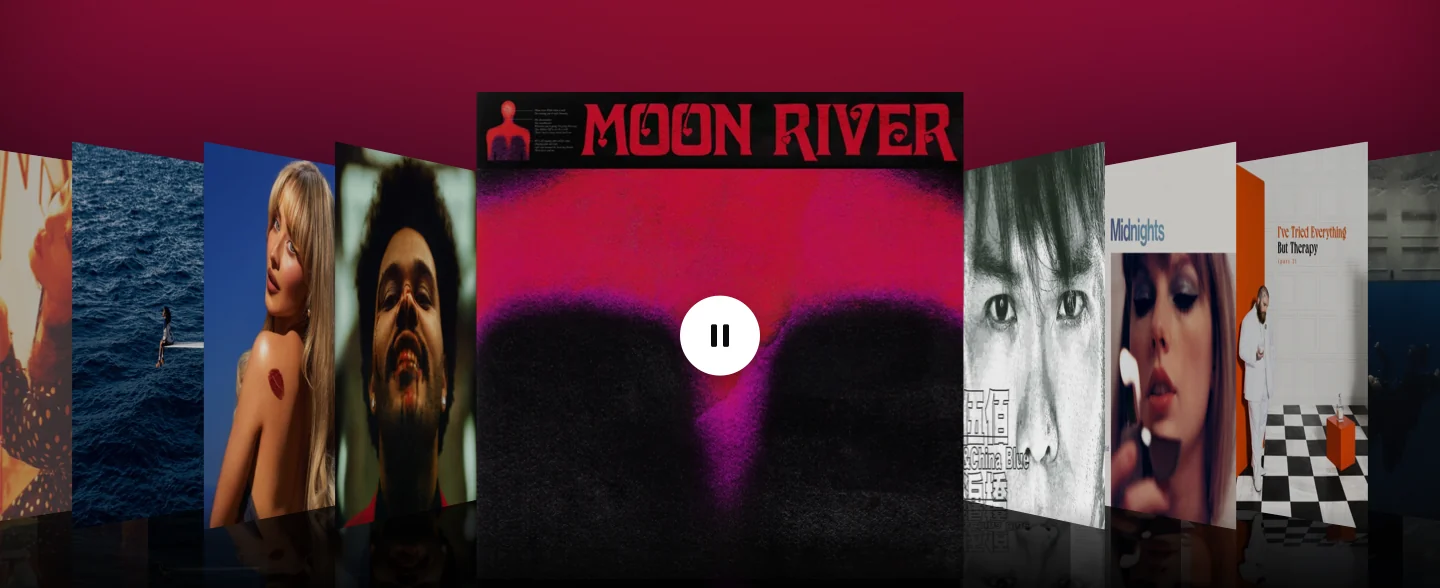
 YesPlayMusic
Local files, media servers, plugins. All your music in one place.
For macOS, Windows and Linux
 Jellyfin
 Plex
 Emby
 Subsonic
FEATURES
Drag, scroll or arrow-key through your albums, playlists and artists. Click one to play.
Built from the ground up with Flutter. A real desktop app, not a website in a wrapper.
Your albums, lined up like records on a shelf.
Reads tags and cover art straight from your folders.
FLAC MP3
M4A WAV
AIFF OGG
OPUS APE
Play, pause and skip from anywhere.
A built-in MCP server lets your AI agent search, play, and manage your queue and playlists.
Turn it on in Settings → MCPGPL-3.0 licensed. Every line is on GitHub.
macOS
Windows
Linux
PLUGINS
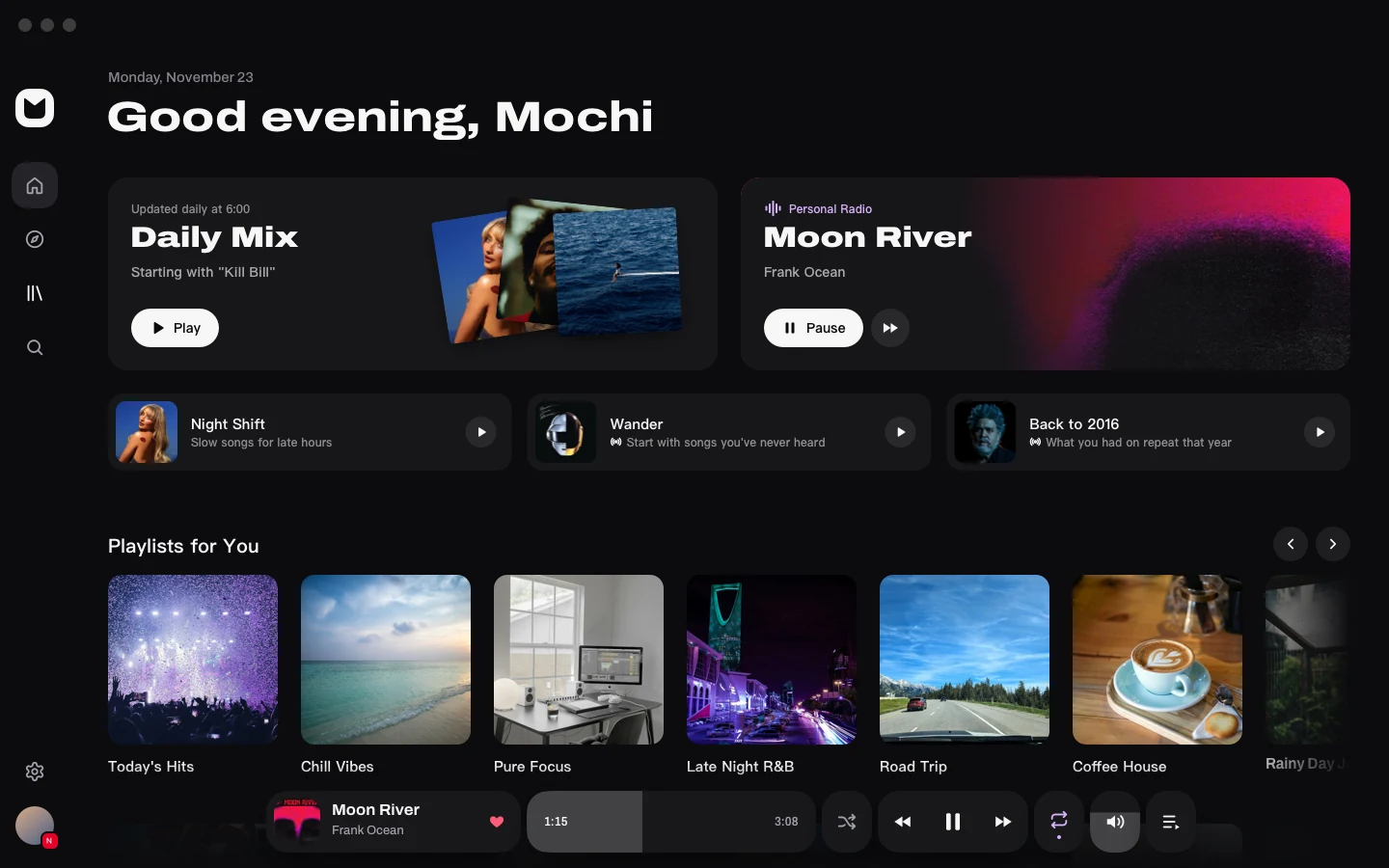
YesPlayMusic doesn’t come with a streaming service. Each plugin adds a new source, and that source powers Home, Search, albums and playlists.
JellyfinPlexEmbySubsonicFOR LISTENERS
Official plugins are one click away in the app. Community plugins live on GitHub under the yesplaymusic-plugin topic.
FOR DEVELOPERS
A plugin is just a plugin.json and a JavaScript module. Export a function, and the feature shows up in the app.
plugin.json{
  "id": "hello",
  "name": "Hello",
  "main": "index.js",
  "permissions": { "network": ["example.com"] }
}
Read the plugin guideEach plugin runs on its own. It can’t poke around your files or launch programs.
A plugin can only reach the websites named in its manifest.
If a plugin wants to run a program on your computer, it has to say so, and you have to allow it in Settings.